Online photocopy, halftone, and vintage photo effects studio
AI Photocopy lets you upload a photo and make a gritty photocopy, distressed Xerox print, fine halftone, or vintage film look. Compare the original and processed image in the live editor, add paper texture, and export at full resolution.
Try the effects on your own image
Upload a JPG, PNG, or WEBP. Adjust contrast, grain, threshold, and other settings for the selected effect. The studio shows a preview while you work.
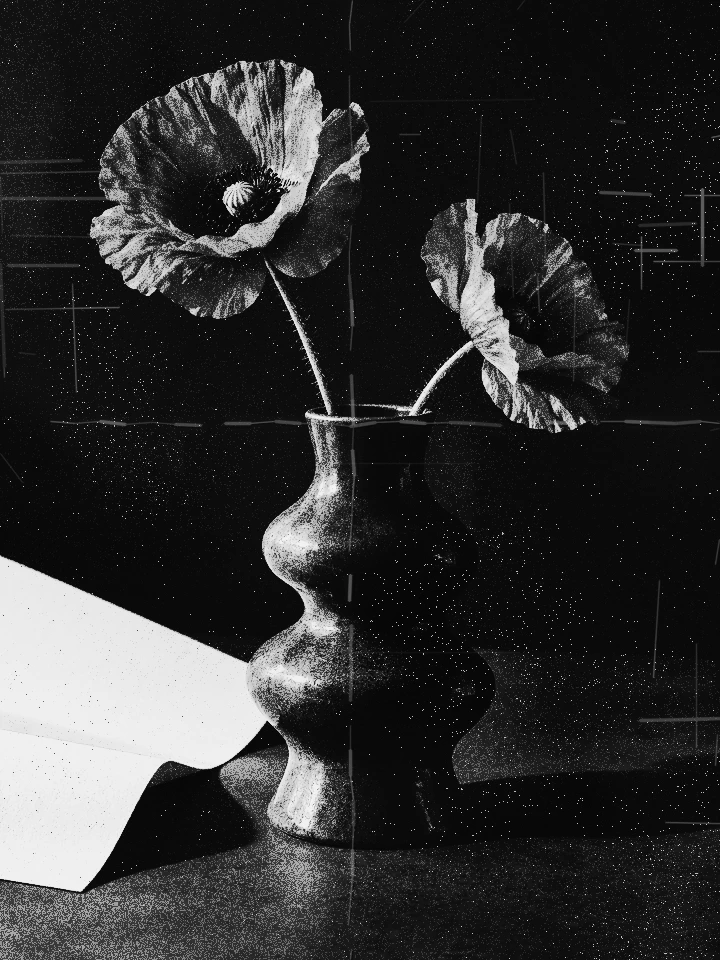
Photocopy and paper effects
Choose classic copier grain or distressed toner, then add fold marks, crumpled paper, or compatible worn-paper overlays.
Halftone prints and vintage looks
Make a fine single-ink screen-print halftone that keeps the subject clear, or choose from ten vintage photo treatments.
Compare and export
Move the before-and-after divider to compare. Apply your settings to the original image and download a PNG, JPG, or WEBP.